Google Business Profile: how to create and optimise it in Morocco
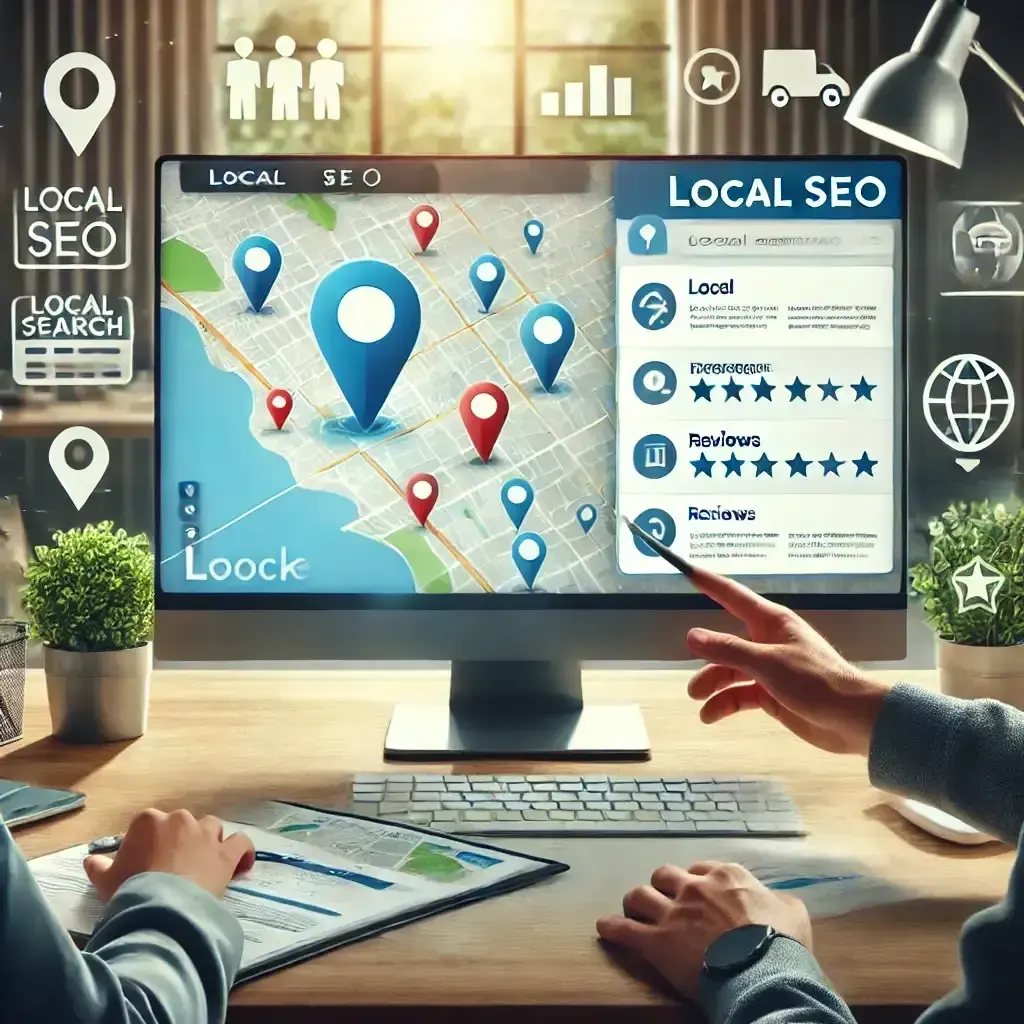
When someone types “restaurant Maarif”, “dentist Agdal” or “plumber Casablanca”, Google often shows a map with three businesses before the classic results. These top spots are fed by Google Business Profiles, formerly Google My Business. For a business that welcomes customers or travels to them, it is often the first impression it makes online, even before the website.
The profile is free. But it still has to be created properly, verified and maintained. Here is the method, step by step.
What is a Google Business Profile?
It is your company's public profile on Google Search and Google Maps. It brings together your name, your address or service area, your phone number, your opening hours, your photos, your services and your customers' reviews. From the profile, people can call you, get directions or open your website in one click.
Google says it ranks local results on three criteria: relevance (does your profile match the search?), distance (are you close to the searcher or the place searched for?) and prominence, meaning how well known your business is (is it known, cited, well rated?). You don't control distance, but you can work on the other two.
Creating your profile in 5 steps
1. Check that a profile doesn't already exist
Search for your company name on Google Maps. Sometimes a profile has been created by a former employee, a customer or automatically by Google. If one exists, claim ownership rather than creating a second one: duplicates scatter reviews and muddle the information. If someone else controls it, Google has an access request procedure, which we cover in our article on business profile hijacking.
2. Enter the name and category
Go to google.com/business with the company's Google account, rather than a personal account that would leave with an employee. Enter your company's exact name, as it appears on your sign and your documents. Don't add keywords or a city (“Firm X best lawyer Casablanca”): it breaks Google's rules and can get the profile suspended.
Then choose the primary category carefully. It tells Google what you do and which searches to associate you with: pick the most precise one possible (“Dental clinic” rather than “Doctor”). You can add secondary categories for your other activities.
3. Give an address or a service area
If you welcome customers (shop, practice, restaurant, showroom), give the exact address and check the position of the pin on the map: that is what your customers will follow with directions. Be especially careful if you are located in a residential complex, a business centre or a poorly mapped street.
If you travel to your customers without receiving them (tradespeople, home services, delivery), you can hide your address and set a service area: cities, neighbourhoods or regions.
4. Add your contact details
Give a phone number you actually answer and your website address. Your name, address and phone number must be strictly identical everywhere: on your website, your social media and in directories. This consistency helps Google link every mention of your business to the same profile.
5. Verify the profile
Google then asks you to prove that you really run this business. Depending on your activity and region, it offers one or more methods: call or text, email, a short video, a postcard. If a video is requested, prepare in advance what you need to show: the sign or plaque, the inside of the premises, a work tool or a business document. Until the profile is verified, it is not visible, or not fully visible, to searchers.
Optimising your profile to gain visibility
Fill in every section
A complete profile helps Google associate you with the right searches and reassures customers. Write the description (up to 750 characters) explaining concretely what you do, for whom and where, without artificially repeating keywords. Add your services or products, the attributes offered for your category and your opening date.
Keep your hours up to date, Ramadan included
Wrong opening hours are costly: a customer who finds the door closed remembers it, and sometimes says so in a review. Remember the special hours for public holidays, Eid and the month of Ramadan, when many businesses change their hours. The special hours section lets you schedule them in advance without touching your regular hours.
Publish real photos
Shopfront (so you can be recognised from the street), interior, team, products, completed work: photos help customers picture themselves with you and find you. Choose recent, authentic images over stock visuals. A session with a professional photographer gives you, in one go, photos you can use on your profile, your website and your social media.
Post updates
Profile posts let you announce an offer, an event or something new directly on Google. An active profile shows customers that the business is open and looked after. One post every one to two weeks is a sustainable pace for most businesses.
Get reviews and reply to them
Reviews weigh both on customers' decisions and on the profile's prominence. Simply ask your satisfied customers for them at the right moment, just after a successful job, with the direct link Google generates from the profile (“Ask for reviews”), which you can send by WhatsApp or text message. Never buy reviews or offer anything in return: Google forbids it, and suspicious reviews can be removed.
Reply to every review, positive and negative. When faced with criticism, the way you reply matters as much as what you say: we explain the method, with examples, in how to reply to a negative review on Google. If you receive a lot of reviews or your image is at stake, a monitoring and online reputation management set-up saves you time.
Google profile and website: a duo
The profile doesn't replace the website; it complements it. The two reinforce each other when your website clearly mentions your address, your service area and your services, with a dedicated page for each activity, or for each city if you cover several. That is what local SEO is all about: linking the profile, the website, directories and reviews so that Google sees you as a reference in your area.
Mistakes to avoid
- Creating several profiles for the same business at the same address, or a profile at a registered-office address where you don't receive customers.
- Adding keywords or the city name to the business name.
- Leaving the profile under the personal account of a former employee or a supplier, with no access for the business.
- Ignoring edits suggested by users: Google may apply them. Check the information displayed regularly.
- Never replying to reviews, or replying in an aggressive tone.
Frequently asked questions
Is a Google Business Profile paid?
No. Creating and managing the profile is free. Google also offers paid ads on Maps, but they are separate from the profile.
How long does it take to appear on Google Maps?
Once verified, the profile becomes visible, but its ranking depends on local competition, the profile's relevance and its prominence. A complete, active, well-rated profile improves over time.
Can I have a profile without business premises?
Yes, if you travel to your customers: you create a profile with a service area and hide your address. A business that operates exclusively online, with no in-person contact with its customers, is not eligible, however.
Do I need one profile per location?
Yes. Each shop or branch that receives customers can have its own profile, with its own address, phone number and opening hours.